
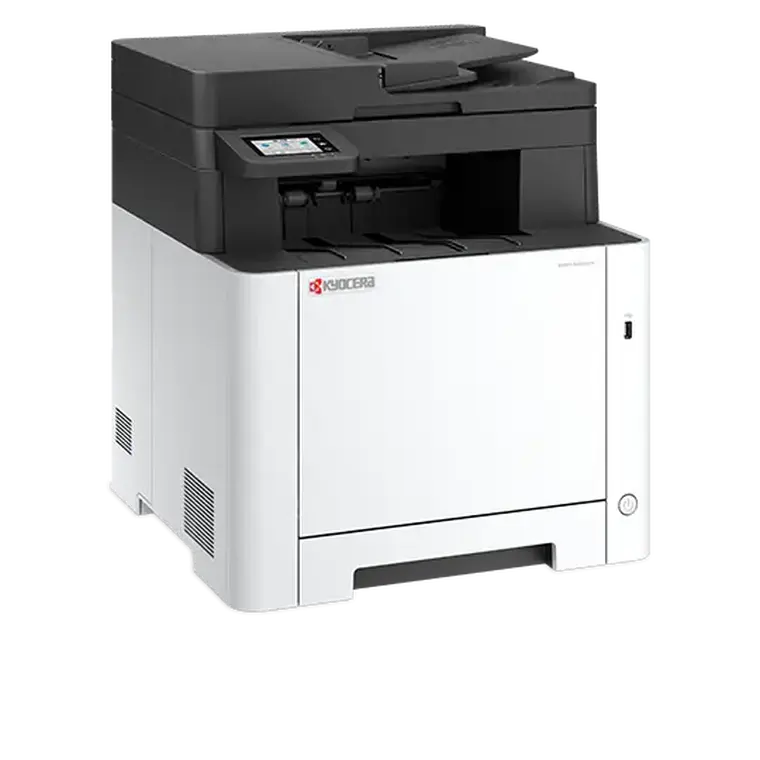
Kyocera ECOSYS MA2101cwfx
- Scan, copy, fax and mobile scan functions
- Mobile printing support, compatible with both Android and Apple iOS devices
- Direct printing functions (via Wi-Fi and USB host) keep your work running seamlessly
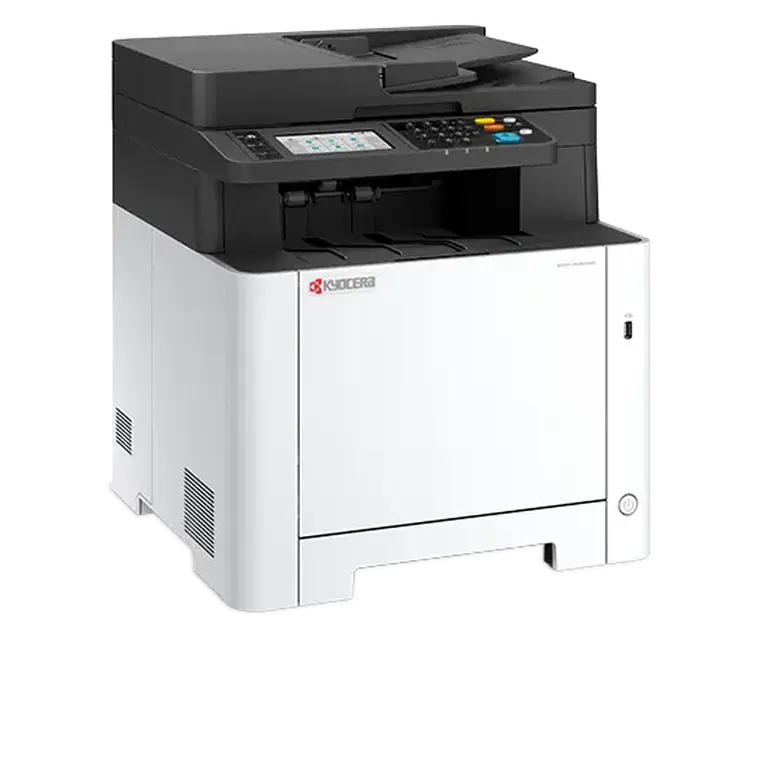
Kyocera ECOSYS MA2600cwx
- Double-sided print
- Compact design with full functionality
- Up to 35 pages A4 per minute in colour and b/w

Kyocera TASKalfa MA3500ci
- Double-sided print
- Compact design with full functionality
- Up to 35 pages A4 per minute in colour and b/w

Kyocera ECOSYS MA3500cix
- Double-sided print, copy and scan
- Up to 35 pages per minute
- A4 multi-function colour printer

Kyocera ECOSYS MA3500cifx
- Double-sided print, copy, scan and fax
- Up to 35 pages per minute
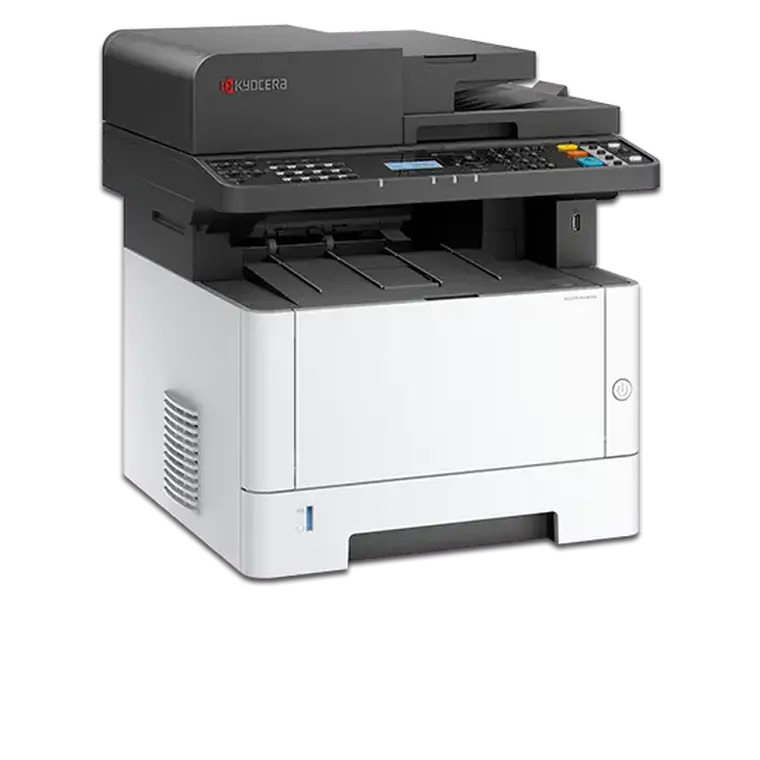
Kyocera ECOSYS MA4000x
- Monochrome multifunctional for A4 format
- Double-sided print, copy, scan and fax.
- Warm-up time Approx. 26 seconds or less

Kyocera ECOSYS MA4000cifx
- Colour multifunctional for A4 format
- Double-sided print, copy, scan and fax.
- Warm-up time Approx. 26 seconds or less
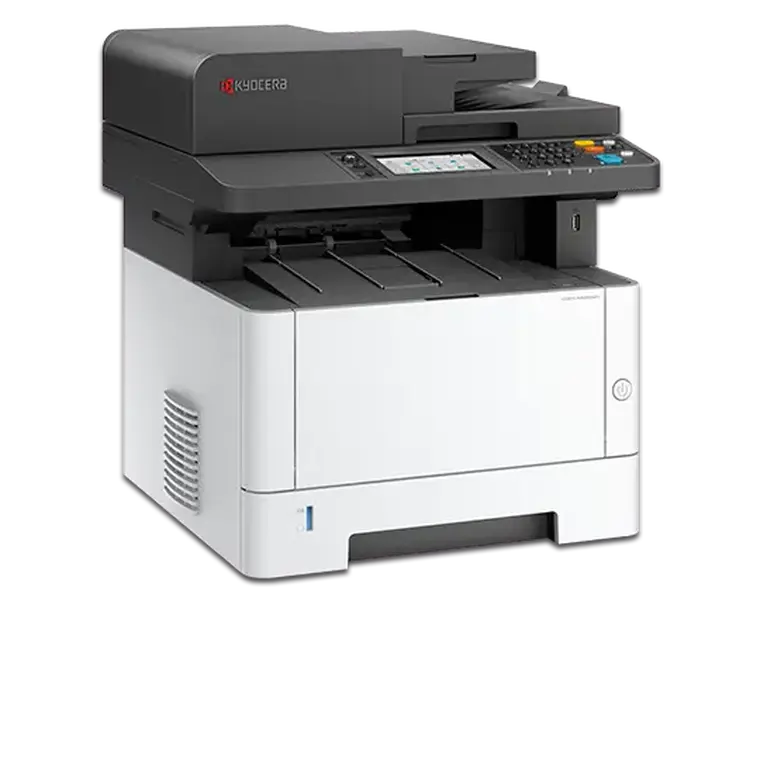
Kyocera ECOSYS MA4000wifx
- Colour, WIFI connected multifunctional for A4 format
- Double-sided print, copy, scan and fax.
- Warm-up time Approx. 26 seconds or less

Kyocera TASKalfa MA4500ci
- Double-sided print, copy, scan and fax
- Exceptionally low running costs
- Up to 45 pages A4 per minute

Kyocera ECOSYS MA4500fx
- Double-sided print, copy, scan and fax
- Up to 45 pages A4 per minute
- Up to 6 ways of paper input for max. 2,600 sheet capacity

Kyocera ECOSYS MA4500ifx
- Double-sided print, copy, scan and fax
- Up to 45 pages A4 per minute.
Kyocera ECOSYS MA5500ifx
- Double-sided print, copy, scan and fax
- Up to 55 pages A4 per minute
- Monochrome MFP for A4 format
